




KatanaSpin login and registration
KatanaSpin login gives you instant access to your account and everything inside it. If you are new to the casino, registration takes a couple of minutes. Once your account is ready, the platform is open—sign in and start where you left off.



KatanaSpin registration
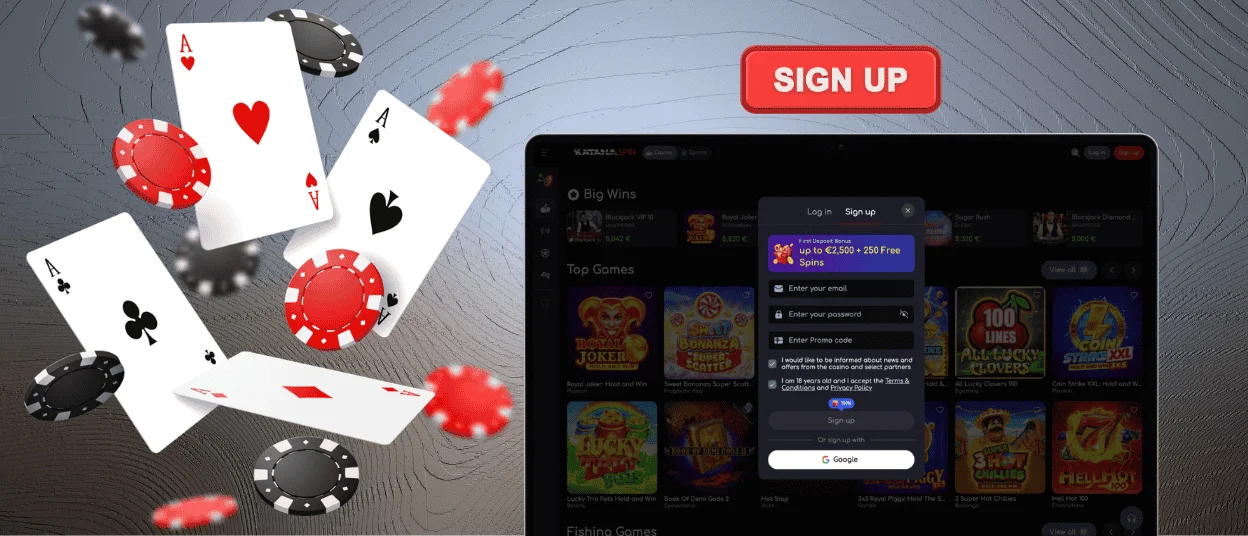
Creating an account at KatanaSpin Casino is a two-step process. You need to be 18 or older to register. One player can hold only one active account. The platform’s anti-bot systems check each registration automatically.
| Step | What to do |
| Click “Sign Up” | Find the button in the top-right corner of the KatanaSpin homepage. |
| Enter your email and password | Use a valid email. Your password must be at least 6 characters. |
| Click “Sign Up” | The first part of the form is done. |
| Fill in your details | Your name, date of birth, and phone number go on the next screen. |
| Click “Save” | Your Katana Spin account is now active. |
KatanaSpin login and account management
Once you have an account, signing in takes a few seconds. Click “Log In” in the top-right corner, enter your email and password, and confirm. Your session works on any device, and all data stays synced.
After the KatanaSpin login, your dashboard gives you direct access to everything you need:
- Wallet—deposit from €20 via Visa, Mastercard, Skrill, Neteller, or crypto, and request withdrawals from €50.
- History—your full transaction log and game sessions are there whenever you need them.
- Profile settings—your name, contact details, and saved payment methods are all editable here.
- Security settings—this is where you update your password and manage 2FA.
- Gambling controls—set deposit limits, cap session length, or take a break when needed.
Forgot your password?
If you cannot get into your account, reset your password in a few steps. Head to the KatanaSpin login form and do the following:
- Click “Forgot password?”
- We send a reset link to your registered email address.
- Follow the link and set a new password.
If you have lost access to your email address, contact support via live chat, and we will help you recover your account.
Verification at KatanaSpin Casino
KYC is the identity check we run before your first withdrawal. It confirms who you are, that you are of legal gambling age, and that your account stays under your control.
Go to your account settings and upload these documents:
- Identity document—passport, national ID card, or driver’s licence.
- Proof of address—a utility bill or bank statement dated within the last 3 months.
- Proof of payment—a screenshot or photo of the payment method you use to deposit.
Our team reviews documents within 48 hours. After that, withdrawals are open with no extra steps.
Account security at KatanaSpin Casino
KatanaSpin runs TLS 1.3 with 256-bit AES encryption across the board. It works when you are signing in, making a deposit, or updating your profile. Everything travels over a secure HTTPS connection.
Unusual activity triggers the platform’s intrusion detection system automatically. Payments go through PCI-DSS-certified processors, and we handle all personal data in line with GDPR.
Two-factor authentication (2FA) means the account needs more than just a password to open. Each time you sign in, a one-time code goes to your email or authenticator app. Switch it on in security settings.
Here is what else helps keep the account safe:
- Pick a password you do not use anywhere else.
- Turn on 2FA right after registration.
- Update security settings from time to time and review your login history for any suspicious activity.
- Anything unfamiliar in the activity log—reach out to support straight away.
FAQ
Can I change my password or email address?
Yes. After the KatanaSpin login, go to Security Settings to change your password. For an email address change, contact support via live chat—they verify your identity and make the update on their end.
What should I do if my account is locked?
A lock usually follows several failed Katana Spin login attempts or a sign-in from an unfamiliar location. Contact support via live chat: we confirm it is you and get your KatanaSpin Casino account back open.
How do I close or suspend my account?
Reach out to our support team via live chat or email. A temporary suspension, a cooling-off period, or full account closure—we handle all of it, depending on what you are looking for.


