




KatanaSpin App
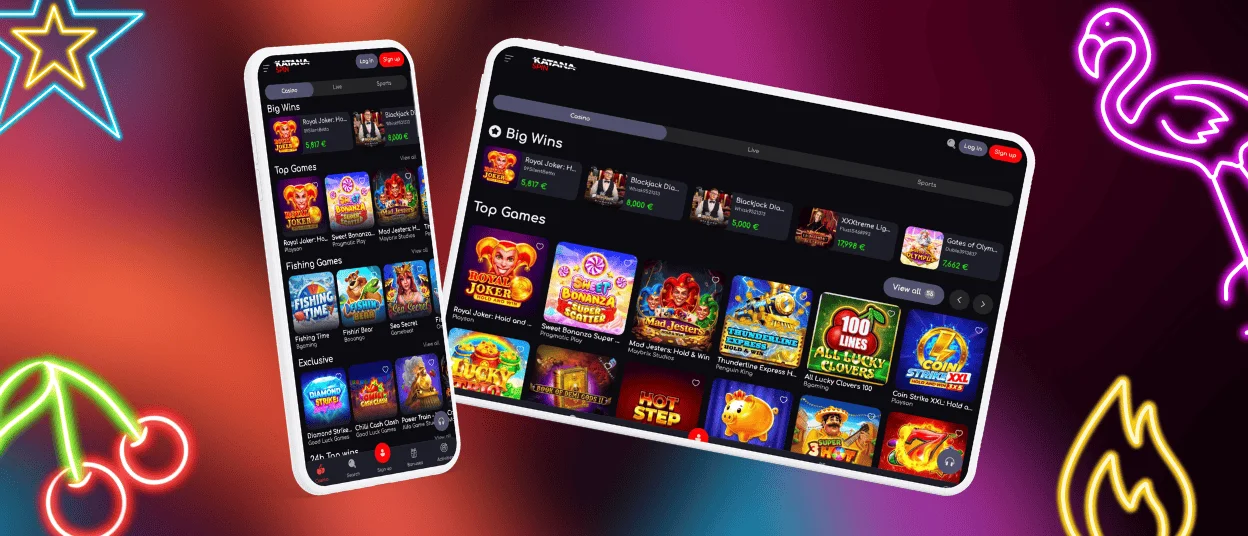
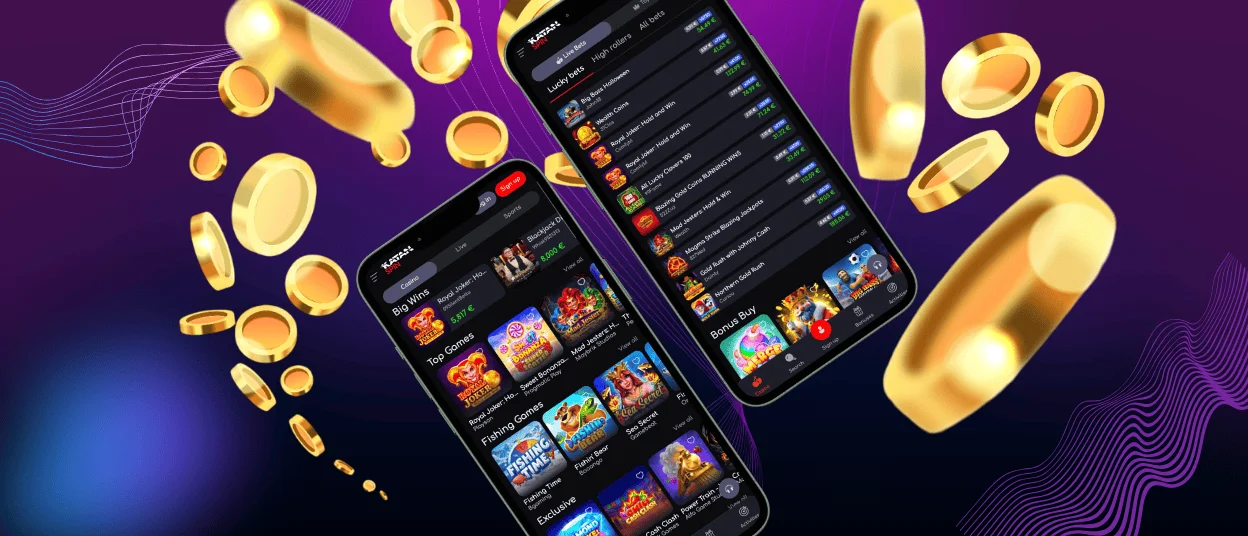
KatanaSpin app is an online casino you open directly in the browser—on a phone, tablet, or desktop. Our platform runs as a Progressive Web App (PWA), so there is nothing to download or update manually.
Push notifications reach your screen when a promotion or tournament goes live—no need to check the site separately. A standard mobile signal handles slots and table games without issues. Live dealer games stream a continuous video feed, so a Wi-Fi connection keeps them running smoothly.



KatanaSpin App for Android
The Android install is a four-step process that happens entirely inside Chrome—the KatanaSpin app needs no Play Store, no APK, no permissions screen to read through:
- Open the casino in your browser.
- Tap the three-dot menu in the top-right corner.
- Select “Add to Home Screen”.
- Tap “Add” to confirm.
The KatanaSpin icon lands on your home screen and opens in full-screen mode. Because the mobile version runs through the browser, store-specific regional restrictions do not apply.
KatanaSpin App for iOS
On iPhone and iPad, Safari holds the “Add to Home Screen” option. The KatanaSpin app for iOS installs in four steps:
- Open the website in Safari.
- Tap the Share icon at the bottom of the screen.
- Select “Add to Home Screen”.
- Tap “Add”.
After that, KatanaSpin Casino launches like a native app. Face ID and Touch ID integrate with the login, so returning to your account after the first sign-in takes a single tap.
KatanaSpin Casino Application on Desktop
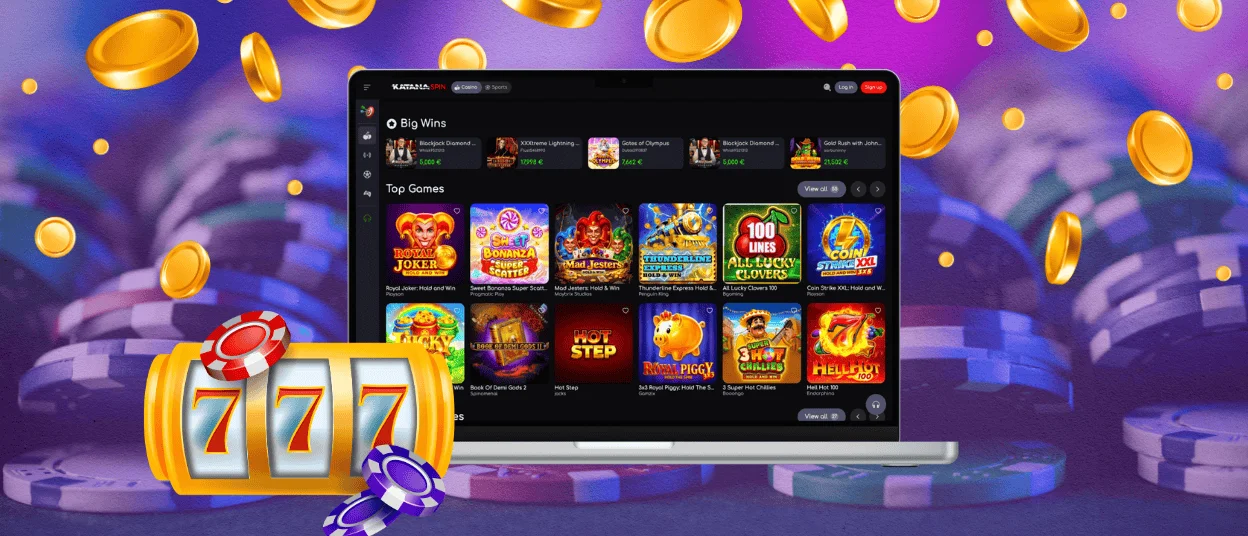
On Windows and macOS, the full library is available in Chrome, Safari, Firefox, and Edge. If you prefer the casino in its own window rather than a browser tab, Chrome and Edge let you pin it:
- Open KatanaSpin in a browser.
- Click the three-dot menu.
- Choose “Install” or “Create shortcut” depending on the browser version.
- Confirm.
The casino opens in a standalone frame. Your account behaves identically to the phone version. Switch from desktop to phone mid-session, and nothing resets. Progress and funds follow the login, not the device.
Device Compatibility
Most players access online casinos from mobile devices, and the KatanaSpin PWA works on all of them. There are no minimum chipset requirements, and the software takes up only a few megabytes of cached data.
Deposits, withdrawals, account management, and live chat all run reliably on most devices from the last five to six years. The layout adjusts to the screen size automatically, so the experience on a tablet sits comfortably between mobile and desktop without any extra setup.
PWA Security
Running inside a browser sandbox, our software has no access to your contacts, photos, or camera. All traffic on KatanaSpin Casino goes over TLS encryption, covering every action from login to deposits. Face ID and Touch ID integrate with session management on supported devices, so you never need to type a password on subsequent visits.
The PWA pulls the latest build on each open automatically, so there is no stale version on the device and nothing to update manually. Account and payment data stay on our servers, not on the handset itself.
The table below covers the key security measures active across every session on KatanaSpin Casino.
| Security Measure | Details | Why It Matters |
| Encrypted connections | TLS encryption on all data between your device and our servers | Prevents unauthorised access and keeps personal data confidential |
| Secure login sessions | Sessions run on tokens that expire automatically | Reduces the risk of account hijacking |
| Auto logout | Accounts log out after a period of inactivity | Protects accounts on shared or unattended devices |
| Fraud detection | Real-time monitoring of unusual transactions and behaviour | Detects suspicious activity early |
| No local data storage | Account and payment data stay on our servers, not on the device | Limits risk if the device is lost or compromised |
FAQ
Does the KatanaSpin Casino app take up much storage?
Very little. The PWA caches a small set of core files and loads the rest on demand. On a phone with limited space, the difference from a store app is significant.
Will my account carry over if I get a new phone?
Yes. Your account lives on our servers, so a new device needs only the same install steps and your login. Balance, bonus status, and history are all there once you sign in.
Is the KatanaSpin mobile version different from the regular website?
It shares the same address but behaves differently once it is on your home screen—full-screen launch, push notifications, biometric login, and faster load times from caching.
What do I do if the software stops responding?
Reload the page first—most issues clear with a fresh start. If the problem continues, our support team is on live chat around the clock.


